

The year and month folders
Photos and videos copied by the date on the file. Screenshots sit in their own folder. You pick where that folder is saved.
The Family Year
A year of photos is still on your phone. Turn them into a memory book for your home. The Family Year files thousands of photos and videos by year and month, scores the shots to find the best ones, and lays the best of them out as a yearbook you can keep and treasure for years to come.
Founding price: $37 for the waitlist. It goes up to $57 later.











The order of work
You already took the photos. This is the part that usually waits.
Point it at photos and videos on your computer. A camera roll you have already copied over is fine.
Each file is placed by the date stored in it. PNG files with no date, and files named screenshot, are set apart.
It looks at sharpness, light, and color. Shots taken a few seconds apart are held out of that scoring, so a burst does not fill the month. You choose about how many to keep.
One click writes a The Family Year folder: every original by year and month, a second set of the best shots, and screenshots on their own. Each copy is checked against the original's size.
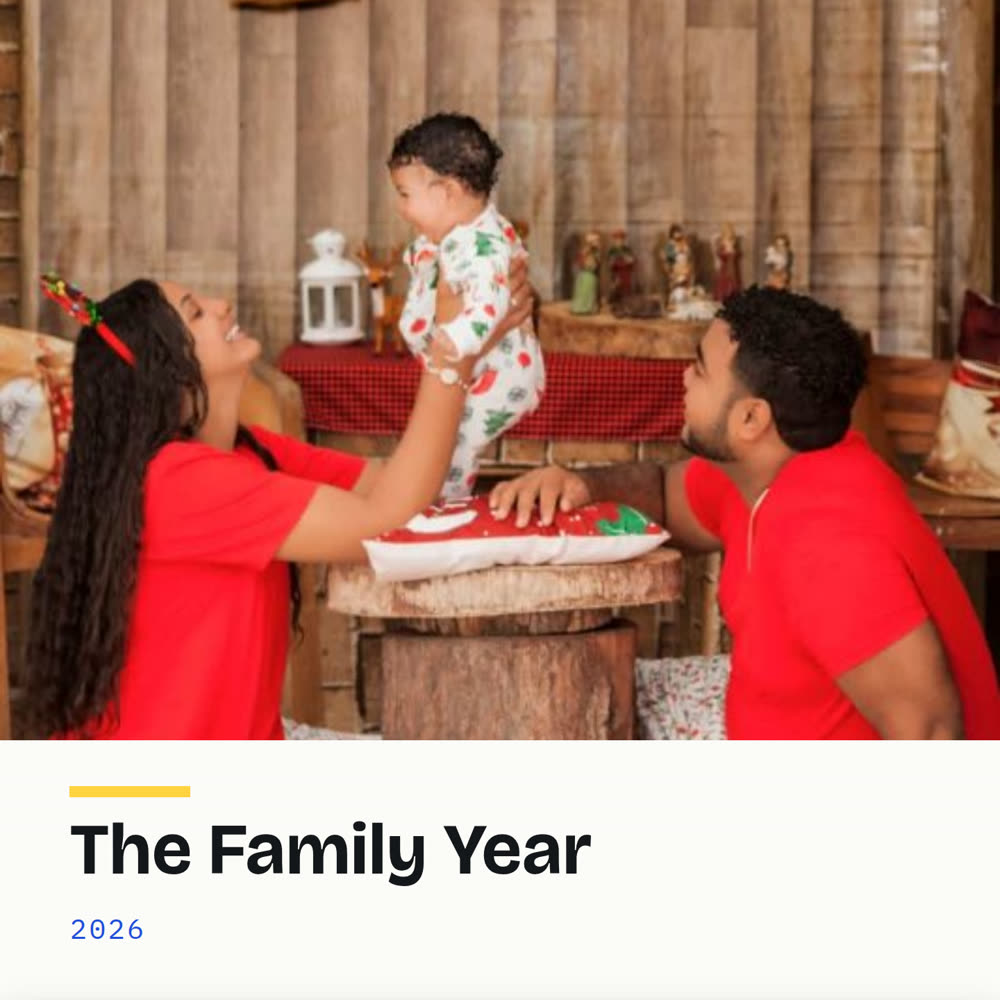
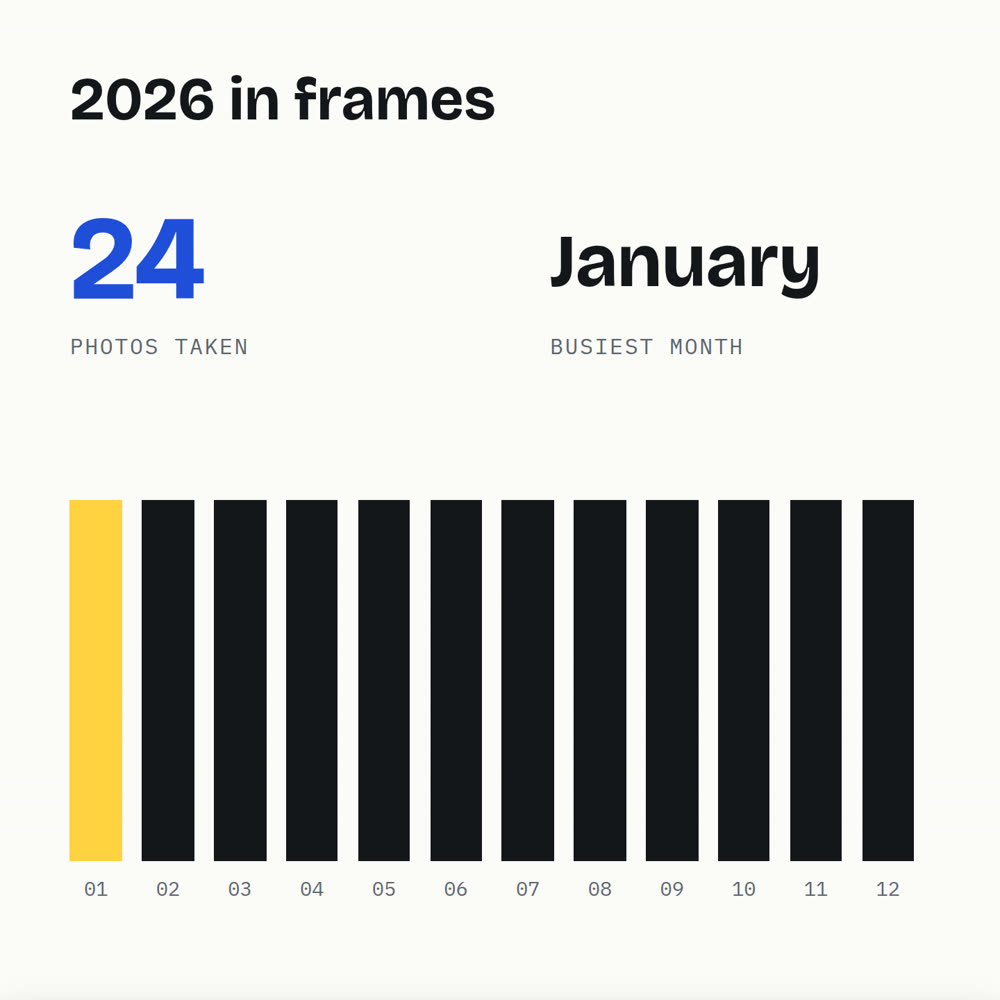
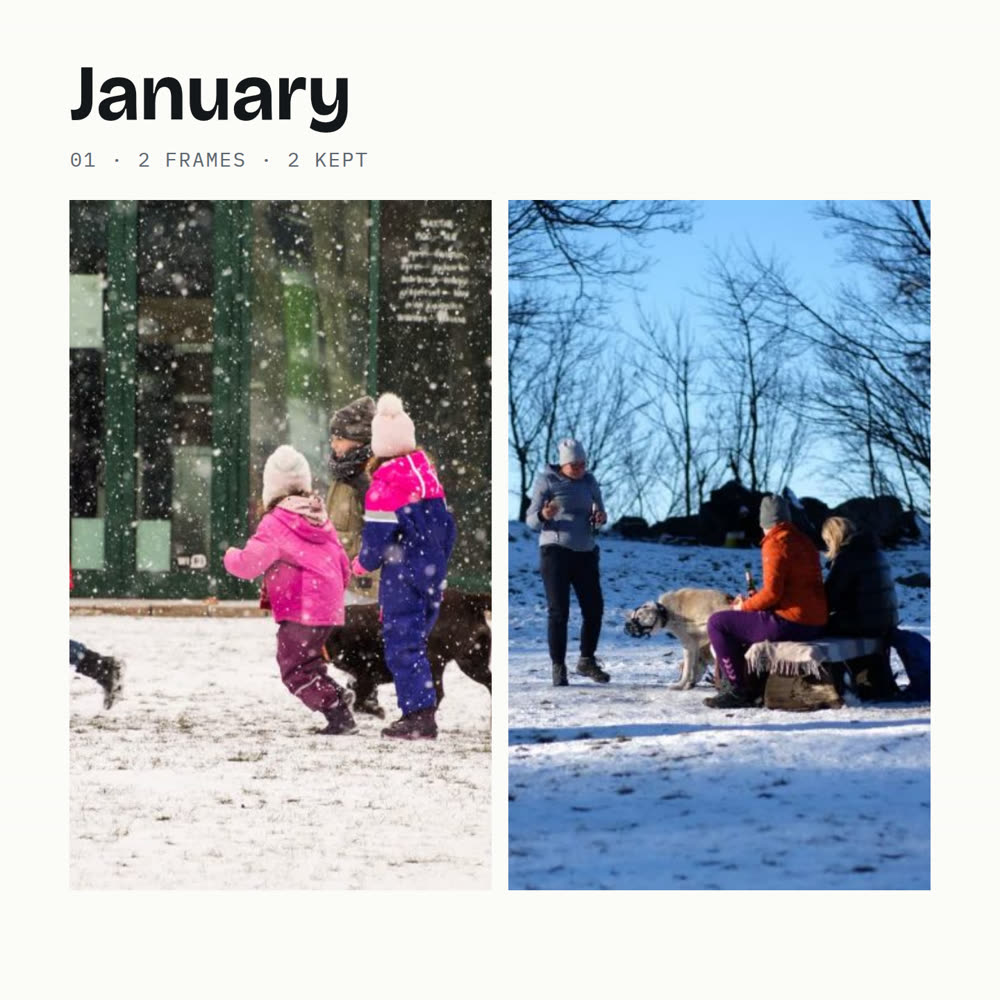
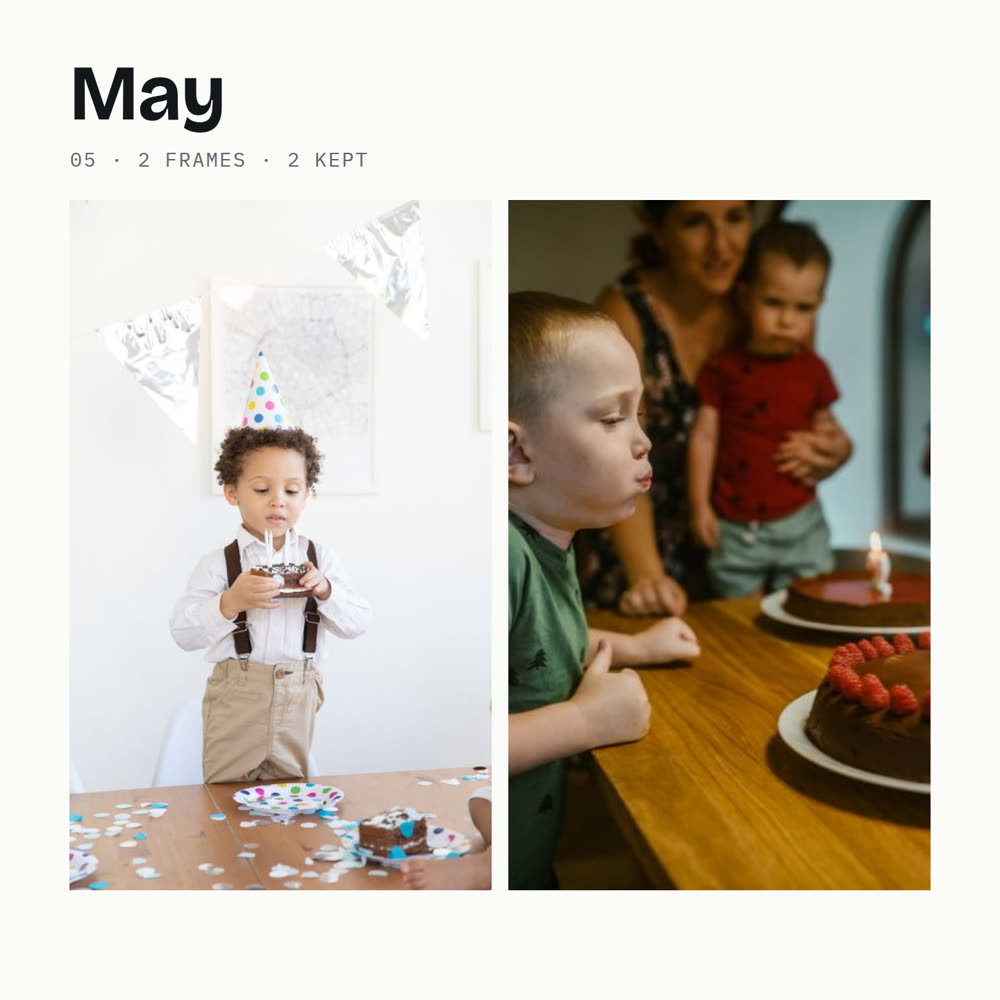
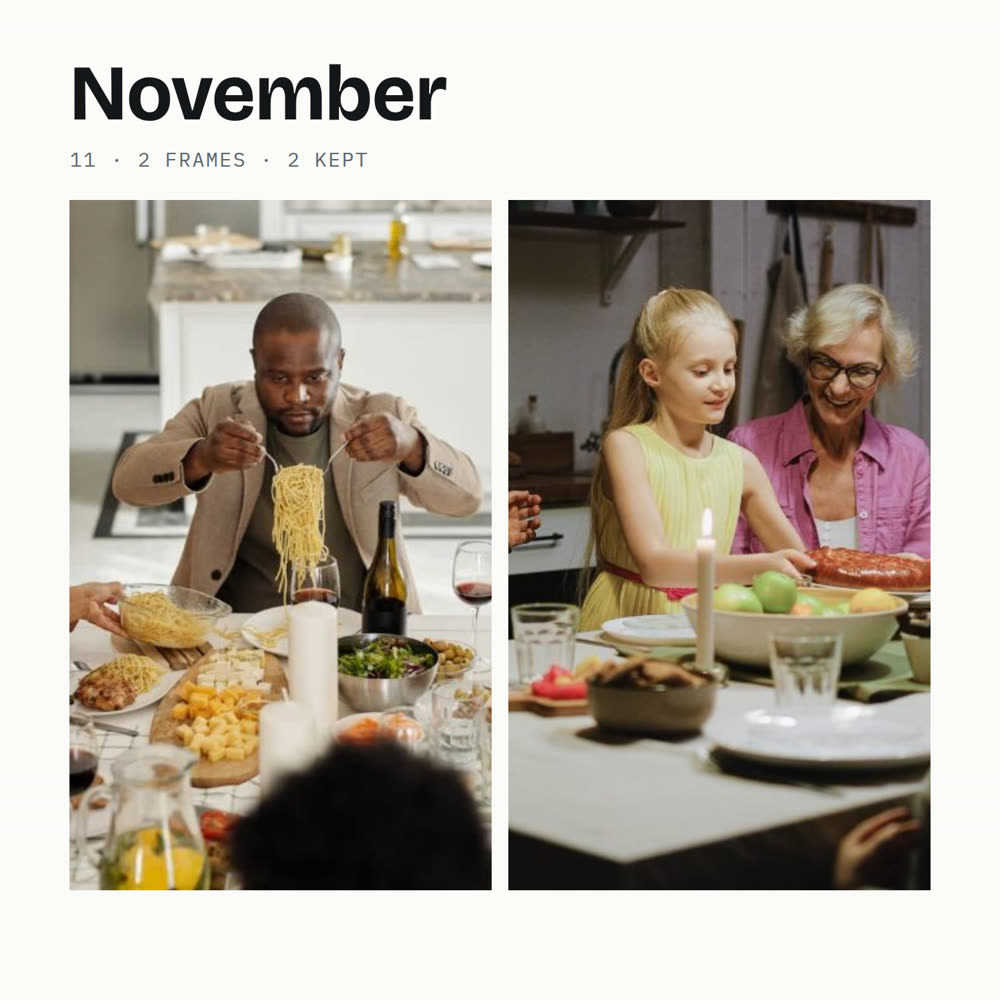
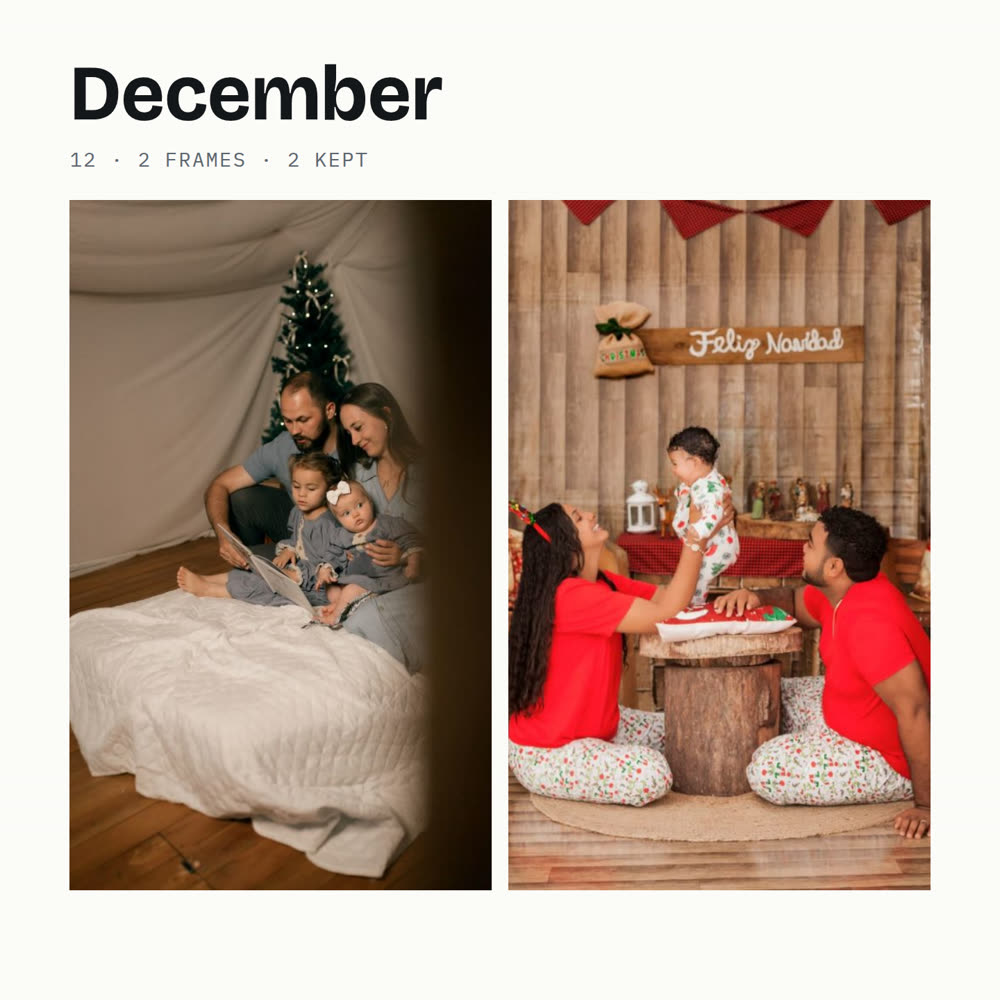
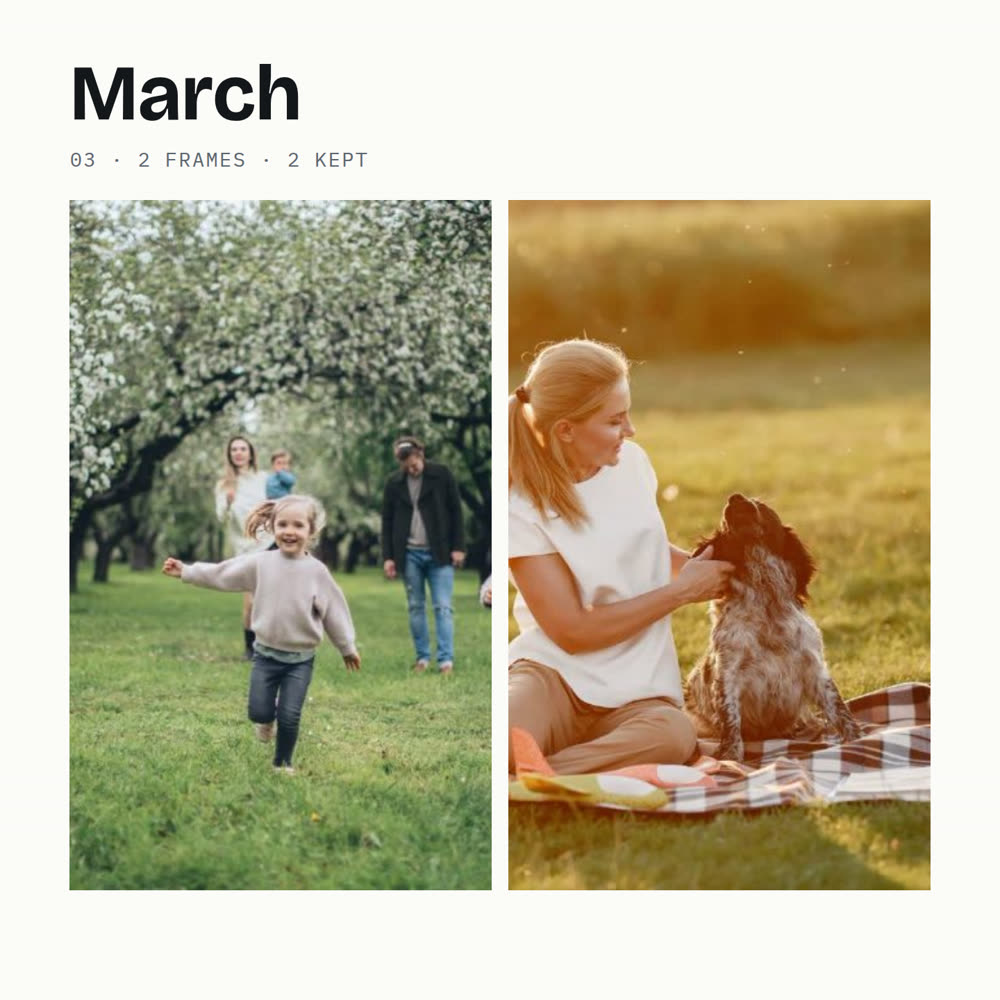
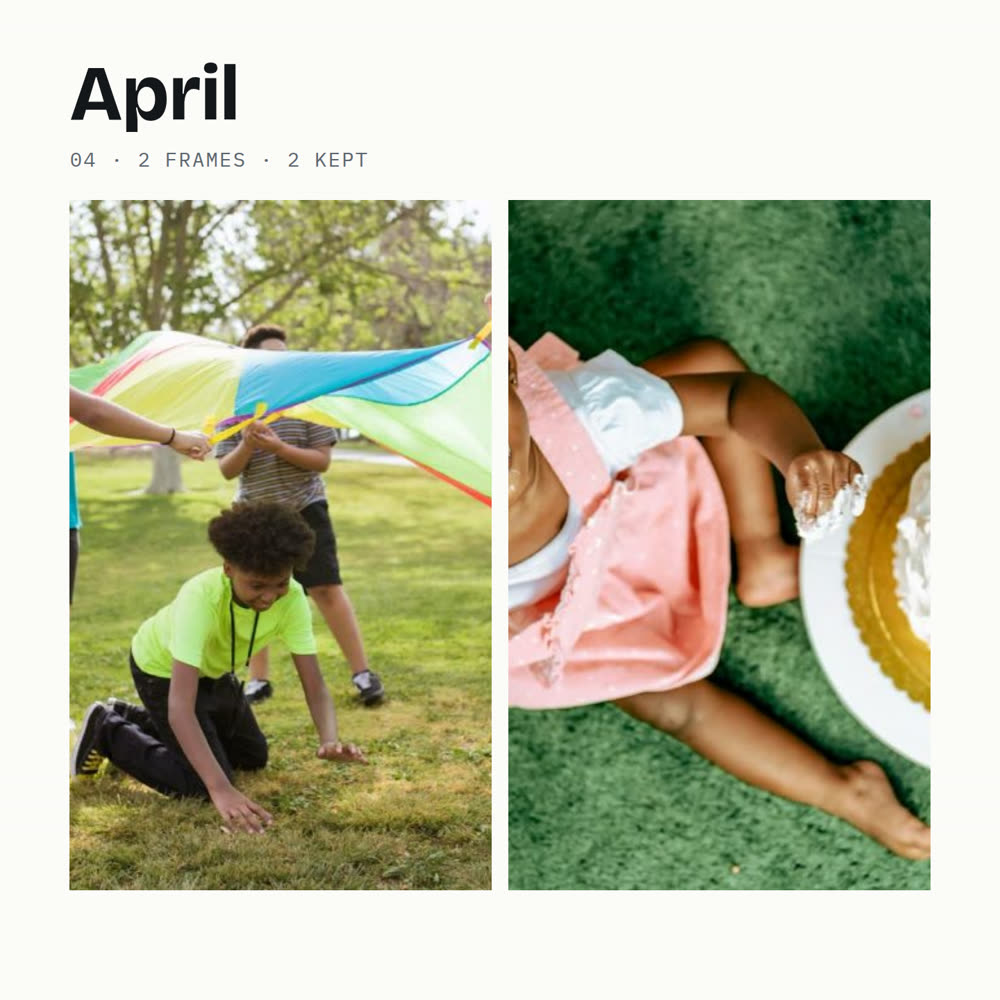
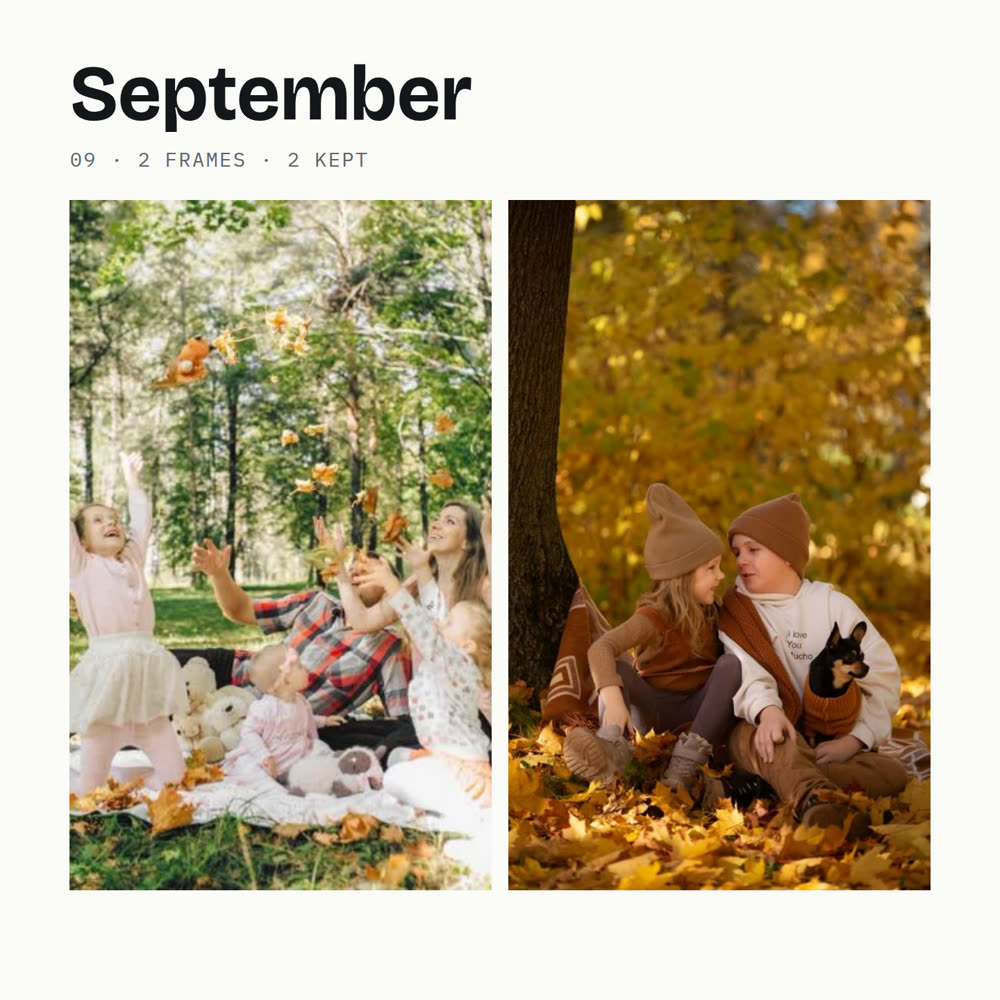
The best shots are laid out as square pages, month by month. Swap a photo, add a caption, and save JPGs or a PDF for Shutterfly, Snapfish, or any photo-book printer.
The pages
These pages were exported from the tool, using sample photos. Your book is laid out the same way from your own folder: a cover, a page for the year, and a page for each month.



Sound familiar
A folder with the dates on it, and pages you can hand a printer, is how that scroll becomes a book.
Before and after
Before
After
The originals stay put. The tool copies them. It does not edit them, and it does not delete them.
What is in it
Photos and videos copied by the date on the file. Screenshots sit in their own folder. You pick where that folder is saved.
A score for sharpness, light, and color, then a count of best shots you set. Shared across the months by how many photos that month had, with a floor so a quiet month is not empty.
A cover, a page for the year, and a page for each month that has photos. Click a picture to swap in the next best from that month. Title, captions, and swaps stay in this browser.
Save the pages as JPGs, or as one PDF. Or take the best-shots folder into the printer's own editor. You pay the printer, with no markup from this page.
Plain limits
On your computer
You copy the photos onto the computer first. iCloud and Google Photos stay where they are until you download them. Then you choose the folder, or drop it on the page.
The dates come off the files. Videos are filed with those dates and are not placed in the book. Photos are scored. You set a rough number of best shots for the whole year, and each month gets a share.
When the pages look right, you save them. A checklist sits at the end if you later want to clear the phone yourself. Read it before you delete anything, especially if iCloud Photos is on, because deleting on the phone can delete the same photo everywhere that account is signed in.
Before you join
A fit check
You have years of photos, you want them in order, and you want a book you can print.
You want an app-store app, you want the sorting to happen inside iCloud, or you want something that deletes photos for you. This does none of those.
Questions
No. The sorting and the book are built in your browser, on your computer. Nothing is sent to me.
No. It cannot delete anything, and that is on purpose. After the copies are saved, a short checklist is there so you can clear the phone yourself and know what you still have.
It makes the pages. You choose Shutterfly, Snapfish, or another photo-book printer, and you pay their price.
Click it. The next best shot from that month takes its place. Captions and the book title are edited on the page, and this browser remembers them.
They can be filed by date. Some are saved as HEIC, which not every browser can open, so those may be filed without a score. Export them as JPEG first if you want every one scored and eligible for the book.
You can sort and build the yearbook on a phone. Saving the originals into folders on the computer needs Chrome or Edge there. From a phone, you can still download the best shots and the pages.
P.S.
The photos are already taken. The unfinished part is putting them where someone can hold them. Leave your email. I'll write when The Family Year opens.
Founding price: $37 for the waitlist. It goes up to $57 later.